Android update (and some new features)
 Posted by Eric @reysu
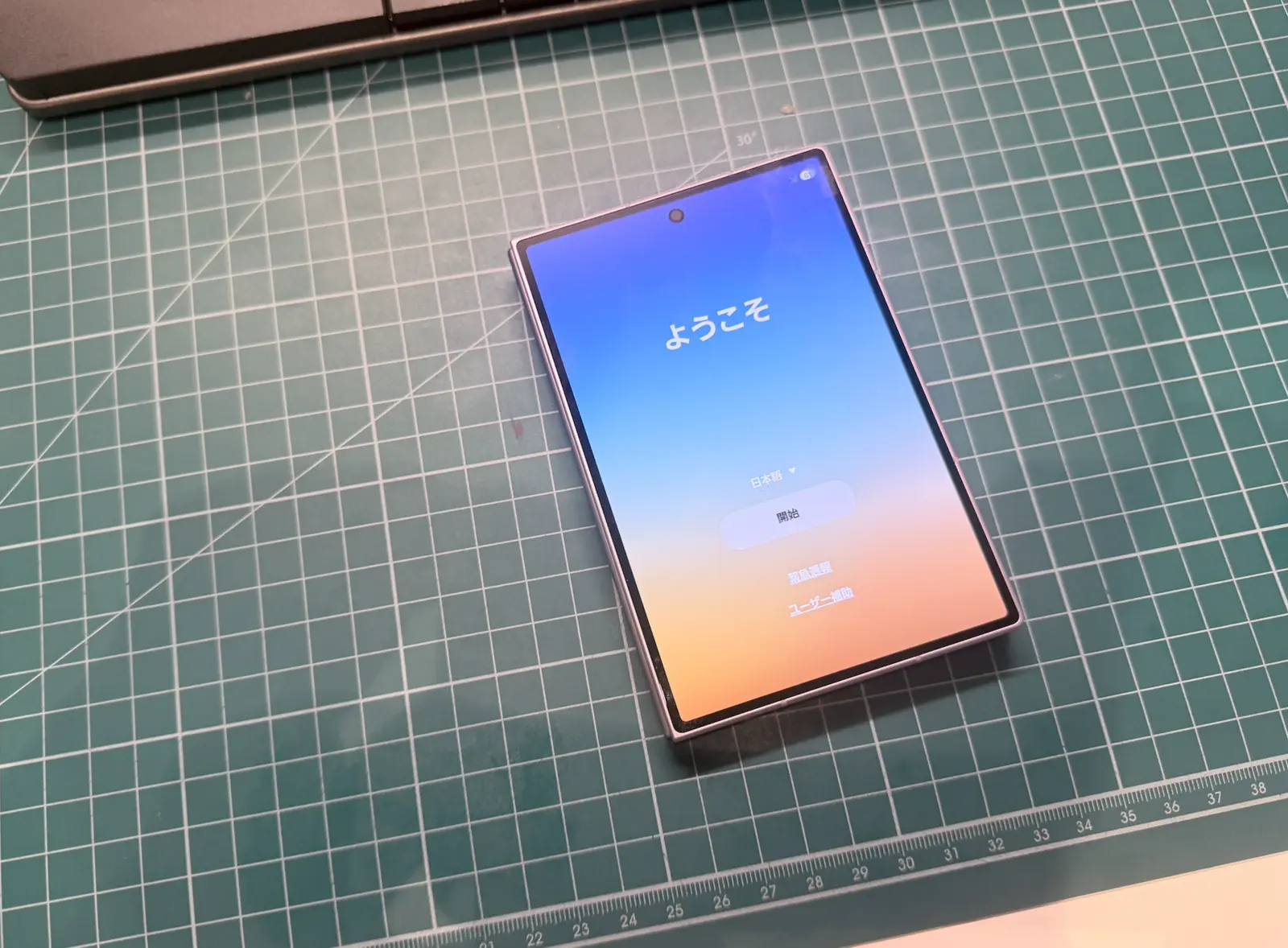
I just came back from a cool trip to Shenzhen and have been reading all of your feedback and comments. Here’s a quick update.
Android has been submitted and is now awaiting approval. This is probably the most requested thing and I have been working non stop to polish the Android app to have full 1:1 feature parity with iOS.
When it’s released, you can sync across Android and iOS devices. (I always wished this existed as someone who uses iPhones and Android eink devices.)
Besides Android, a new update is rolling out with iOS with many quality of life improvements after discussion with you guys and reading your feedback.
New features
New block setup redesigned. The new block page is redesigned to be simpler for users and more streamlined.
Self paced timer allowance You can now choose to use your unlocked minutes at your own pace versus a countdown timer. Do note that the timer may not be 100% aligned with screen time reports due to iOS limitations.
Add multiple custom habits to a block. You can now add as many custom habits as you’d like to a single block (previously you were limited to one each)
Block explicit websites. You can now permanently block explicit sites in advanced settings.
Duolingo joins Habits First! Simply enter your username and track your daily XP as a habit and condition.
Custom Webhooks in More Integrations You can now add custom webhooks so any of your custom apps can be tracked automatically as a habit.
Bug fixes & Improvements
- App timer tracking is improved
- Location detection in the background for location condition is improved
- Disable App deletion made clearer, now requiring manual confirmation
- App no longer asks discard this when making quick changes or turning blocks on/off
- Blocks that are turned off now take up less space
- Connected sources refresh automatically every minute, and sync status shows when your account was last checked
- A failed Health read no longer erases a step day